
Spoken Content is now on iPhone Duo.
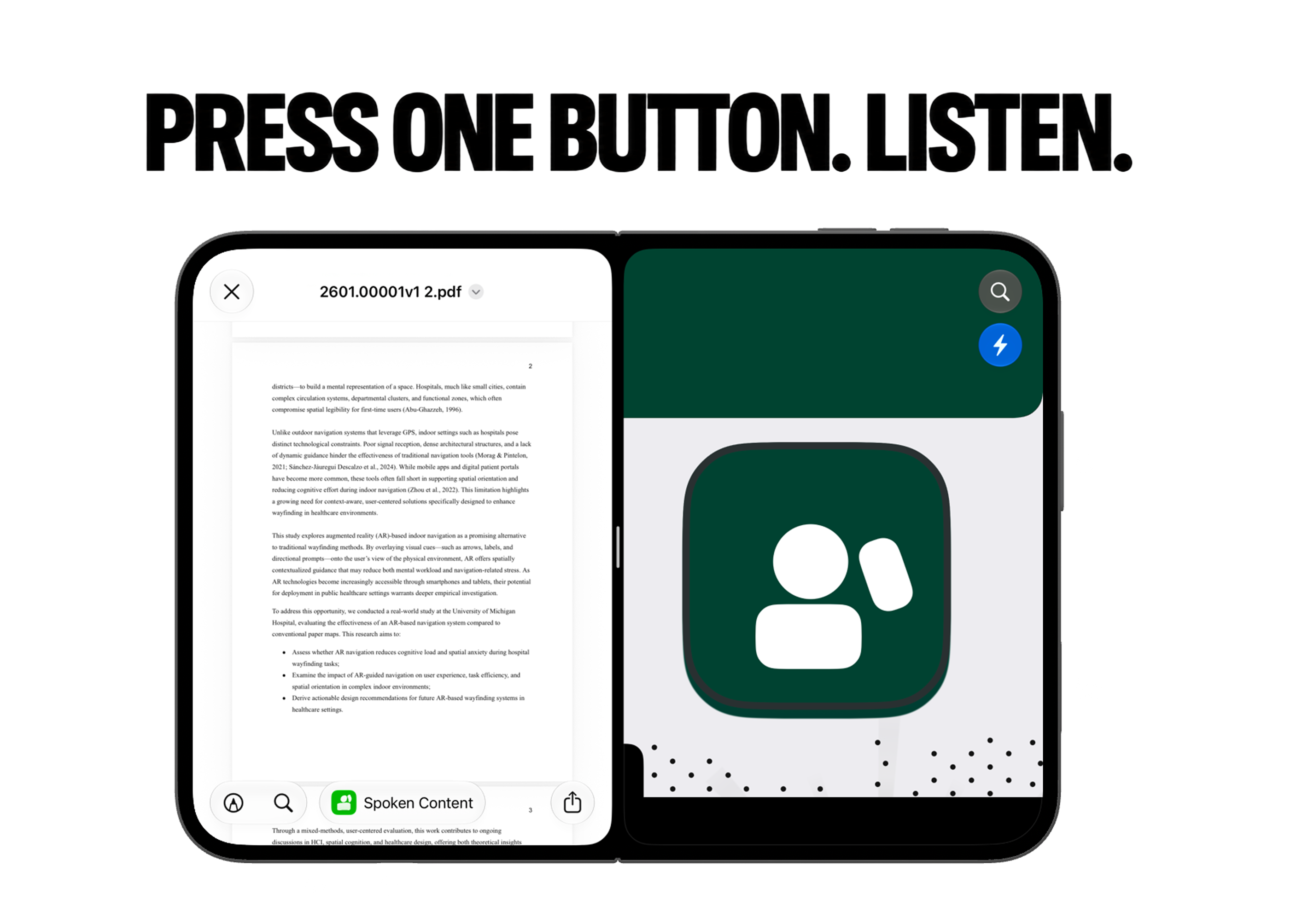
Open a PDF on one side. Press one button. Listen on the other.

Listen and follow along
It reads to you. You stay in control.
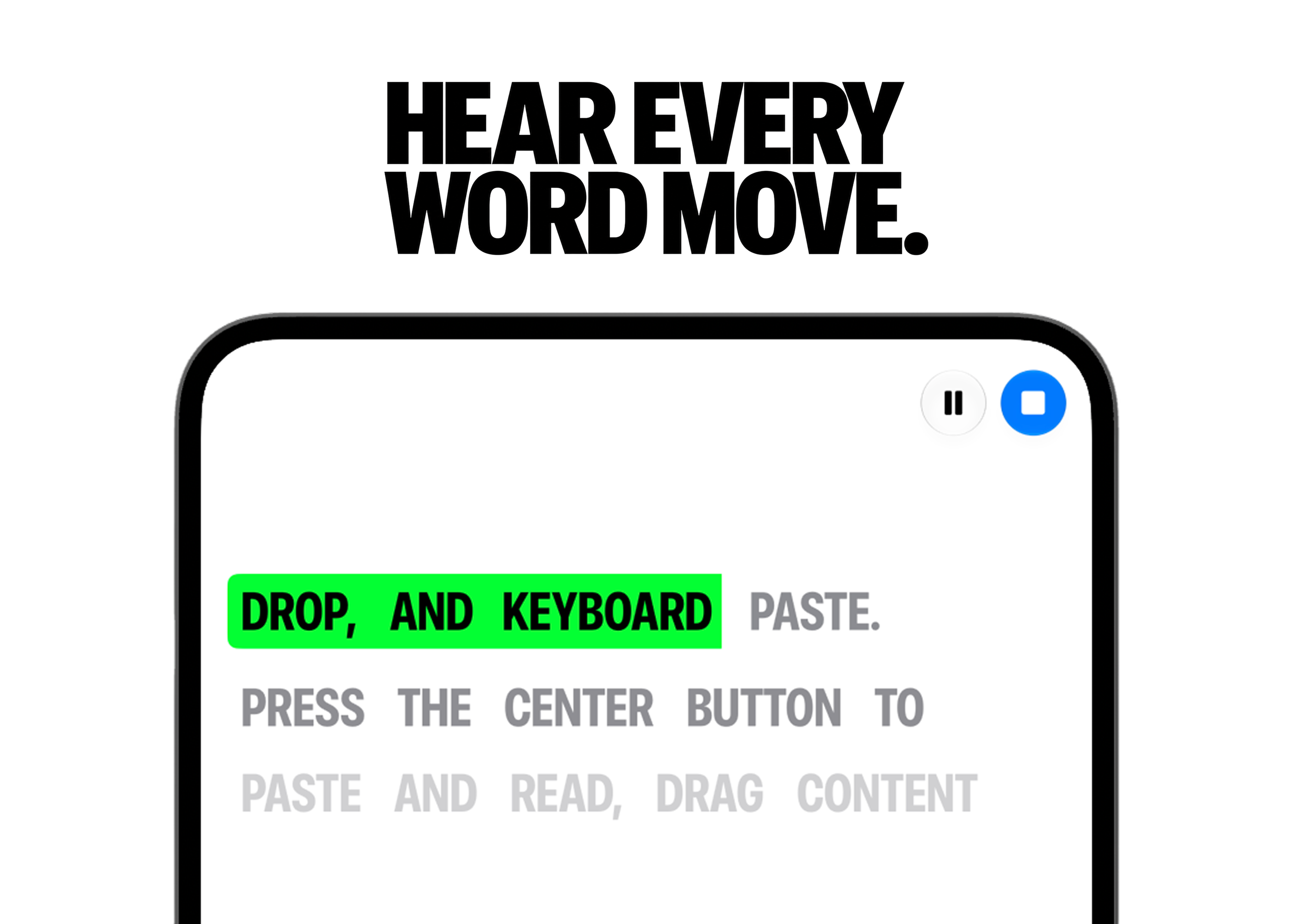
Spoken Content turns your text into natural audio and reads it aloud. Every word lights up as it's spoken, so you can follow along. Pause or stop anytime.
iPhone Duo
Questions?
Yes. On the 5.4-inch cover screen and the 7.6-inch inner display.
Press the center button to paste and read. You can also drag content in or paste from the keyboard.
Yes. Open the PDF on one side of the inner display and Spoken Content on the other, then press one button.
No. Your App Store subscription follows your Apple Account. Sign in with the same Apple Account and restore your purchase.
$9.99 per week or $39.99 per month. The monthly plan includes a 3-day free trial for eligible subscribers. Cancel anytime.
About this page
Spoken Content on iPhone Duo
Spoken Content is a one-button text-to-speech app for iPhone. It now supports iPhone Duo, Apple's first foldable iPhone, on both the cover screen and the inner display, including Split View next to a PDF.
- Device
- iPhone Duo by Apple: 5.4-inch cover display, 7.6-inch inner display.
- New for iPhone Duo
- Both screens, Split View, sending a PDF from the viewer, word highlighting.
- Getting text in
- Press the center button to paste and read. Drag and drop. Keyboard paste.
- Privacy
- Speech is generated on the device. No account required.
- Price
- $9.99 per week or $39.99 per month. 3-day free trial on the monthly plan for eligible subscribers.
- Download
- Spoken Content on the App Store
Finish reading without
stopping work.